01
Install AutoScroller
Download AutoScroller from its official Google Play listing.
Enjoy supported short-video feeds without repeatedly touching the screen. AutoScroller detects when the current item finishes and advances to the next one for you.
Keep a supported feed moving while you cook, exercise, work on a craft, or simply want fewer repeated screen gestures.
AutoScroller currently supports TikTok, Instagram Reels, Facebook Reels and YouTube Shorts. Compatibility can vary as third-party apps change.
AutoScroller is an independent product of Spiders Tech SRL and is not affiliated with, endorsed by, or sponsored by TikTok, Meta, Instagram, Facebook, Google, or YouTube.
Download AutoScroller from its official Google Play listing.
Your full seven-day Premium evaluation starts automatically on first use. No subscription or payment method is required.
Read the separate in-app disclosure, then explicitly enable the AutoScroller service in Android settings.
Open a supported feed and use the floating control. The control is hidden while the device is locked.
Advances when a platform exposes usable progress for the current item.
Uses a user-configured fallback when exact progress is unavailable.
Avoids advancing while playback appears paused.
Resets its timing after you move to another item yourself.
Readable video ads follow playback; static or unreadable sponsored items use the configured dwell when enabled.
Lets you tune fallback behavior for each supported platform.
The floating control disappears while the device is locked.
Version 1.1.0 improves TikTok videos that hide their progress bar for the entire clip. AutoScroller can briefly reveal timing, verify that playback resumes, and conservatively estimate the remaining playback instead of abandoning a long video to the generic fallback.
For an ordinary TikTok video with no readable range, two brief timing samples can establish how quickly the clip is playing.
After each timing sample, AutoScroller checks that TikTok is actually playing again and retries only while a visible Play control proves it is still paused.
Readable long videos continue past the fallback and advance on their real endpoint; hidden-range videos use conservative derived timing.
A user-paused video is excluded from timing probes, so AutoScroller does not resume it or advance while the pause remains visible.
Photo carousels keep their post timer, while LIVE, unreadable items and detected sponsored content retain their existing conservative handling.
The TikTok-only recovery path was verified on a Samsung Android phone, and the Play-installed 1.1.0 candidate completed repeated natural endpoint transitions without double-skipping.
Cross-platform compatibility, localized progress, safer navigation and settings-panel protection.
Improved language-independent Facebook pause handling.
Kept Facebook pause state after controls fade and improved promotion detection.
Strengthened Facebook pause detection using stable progress and platform structure.
Broadened current/previous compatibility, locale-independent signals, real progress and verified navigation across all four feeds.
Validated mixed video, photo, sponsored and LIVE feeds; strengthened pause, manual navigation and return-to-app behavior.
Fixed current YouTube photo-carousel timing, separated LIVE fallback from posts and retired experimental fast sponsored skipping.
Improved TikTok endpoint completion and Facebook handling for long segmented Reels, embedded promotions and unreadable timing.
Adds TikTok hidden-progress timing recovery with verified resume, pause protection and conservative completion timing.
Version 1.1.0 passed 37 automated tests in debug, internal and Release variants plus Android Release lint. Its hidden-progress path and normal moving-range behavior were checked on a physical Samsung device, and the Play-installed candidate completed repeated natural endpoints without double-skipping. Google Play publicly offers 1.0.9 while 1.1.0 is submitted for production rollout. Compatibility is maintained for current and the previous supported app generation, but third-party updates, device, content type, locale, account and region can still affect exposed controls and behavior. No ad detector can guarantee every promotion is identified.
Visible interface controls, labels and progress are processed on the device. Spiders Tech does not upload your feed content, and no separate AutoScroller or Spiders Tech account is required. A diagnostic report is shared only when you deliberately choose a destination through Android. Google Play handles subscription payments.
AutoScroller starts a seven-day Premium evaluation automatically on first use. It needs no checkout, subscription or payment method and ends without a charge. Monthly and annual Google Play subscriptions appear only after the evaluation ends. Google Play shows the exact localized price, billing period and renewal terms before you confirm a purchase.
Compatibility depends on data and controls exposed by third-party apps. Behavior can vary by platform version, device, content type, account and region. Not every app version or video exposes exact duration.
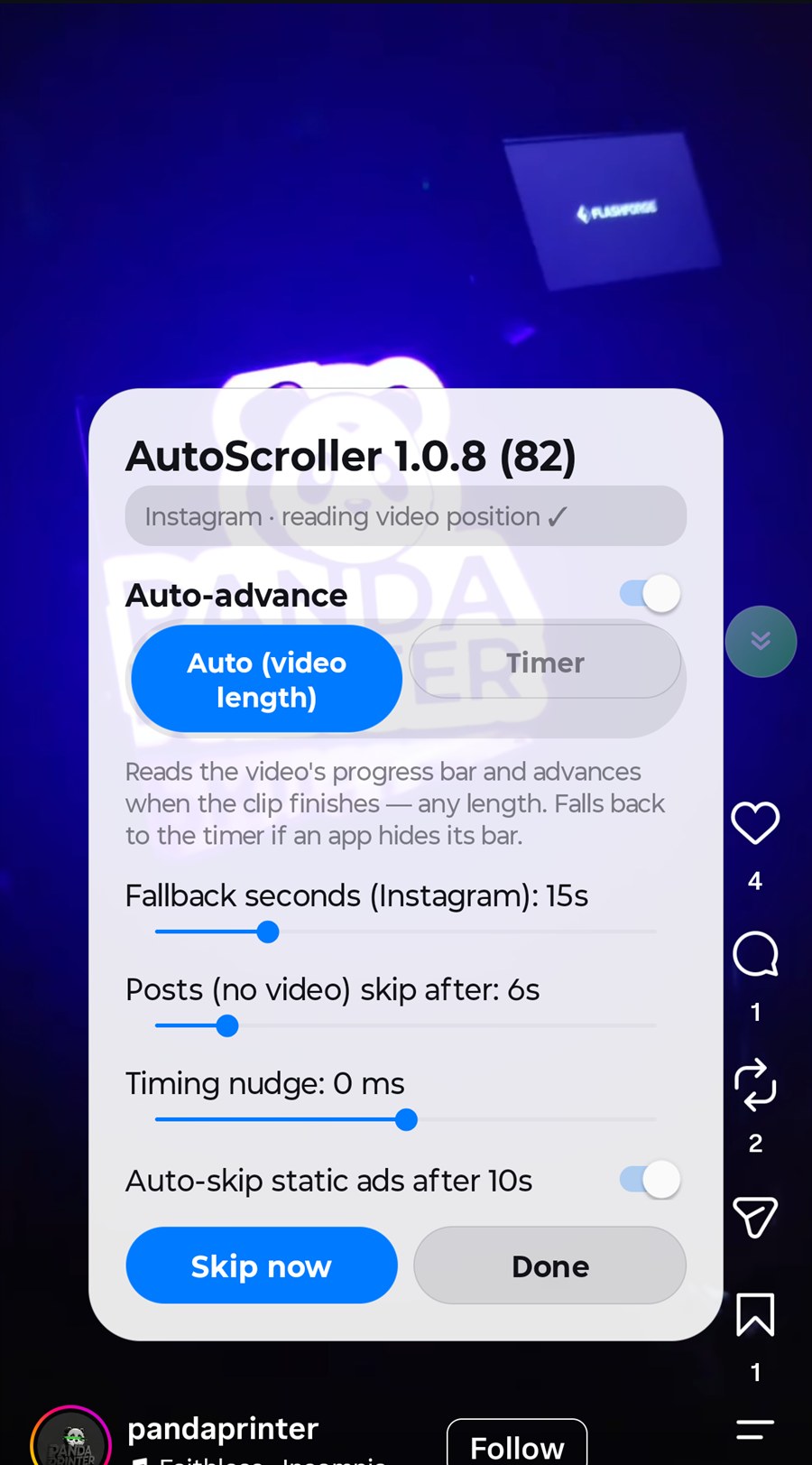
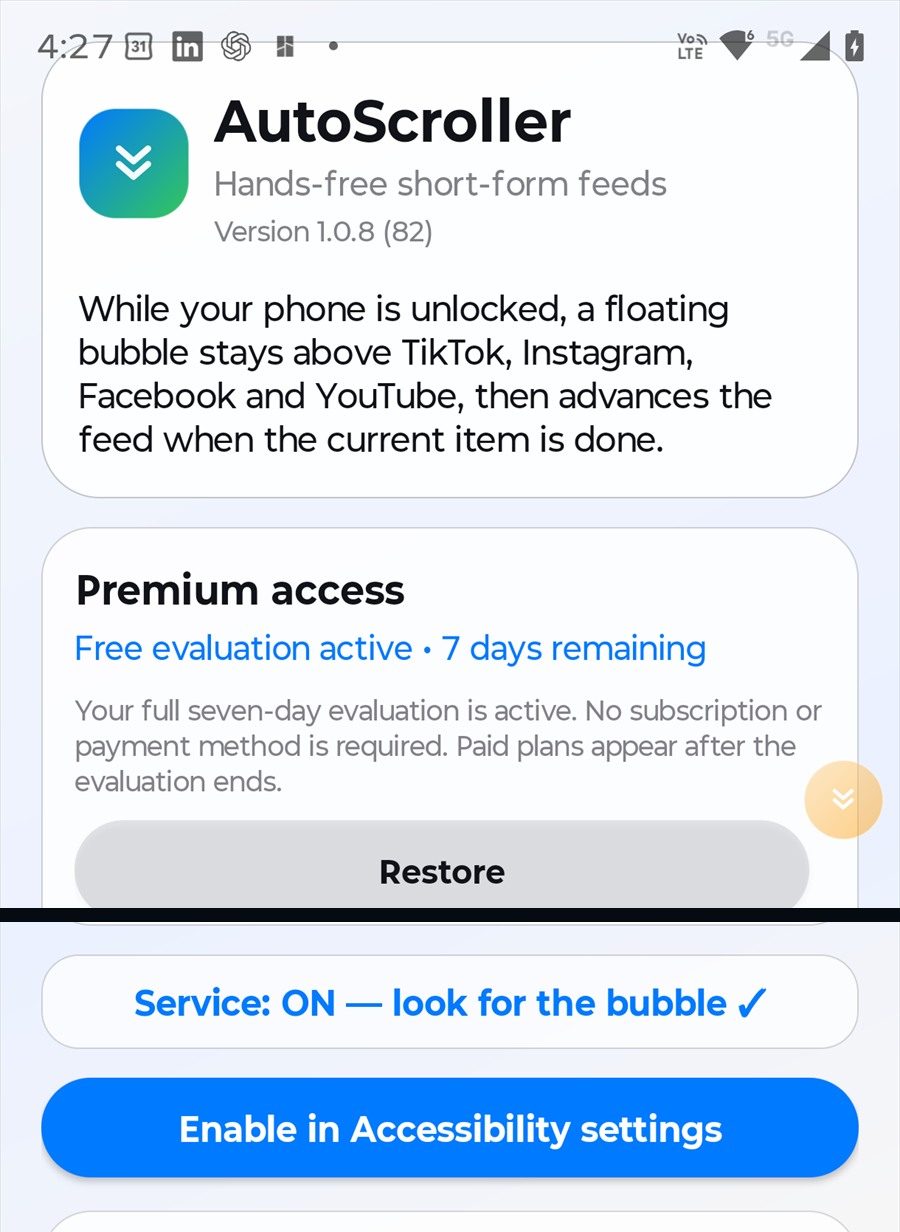
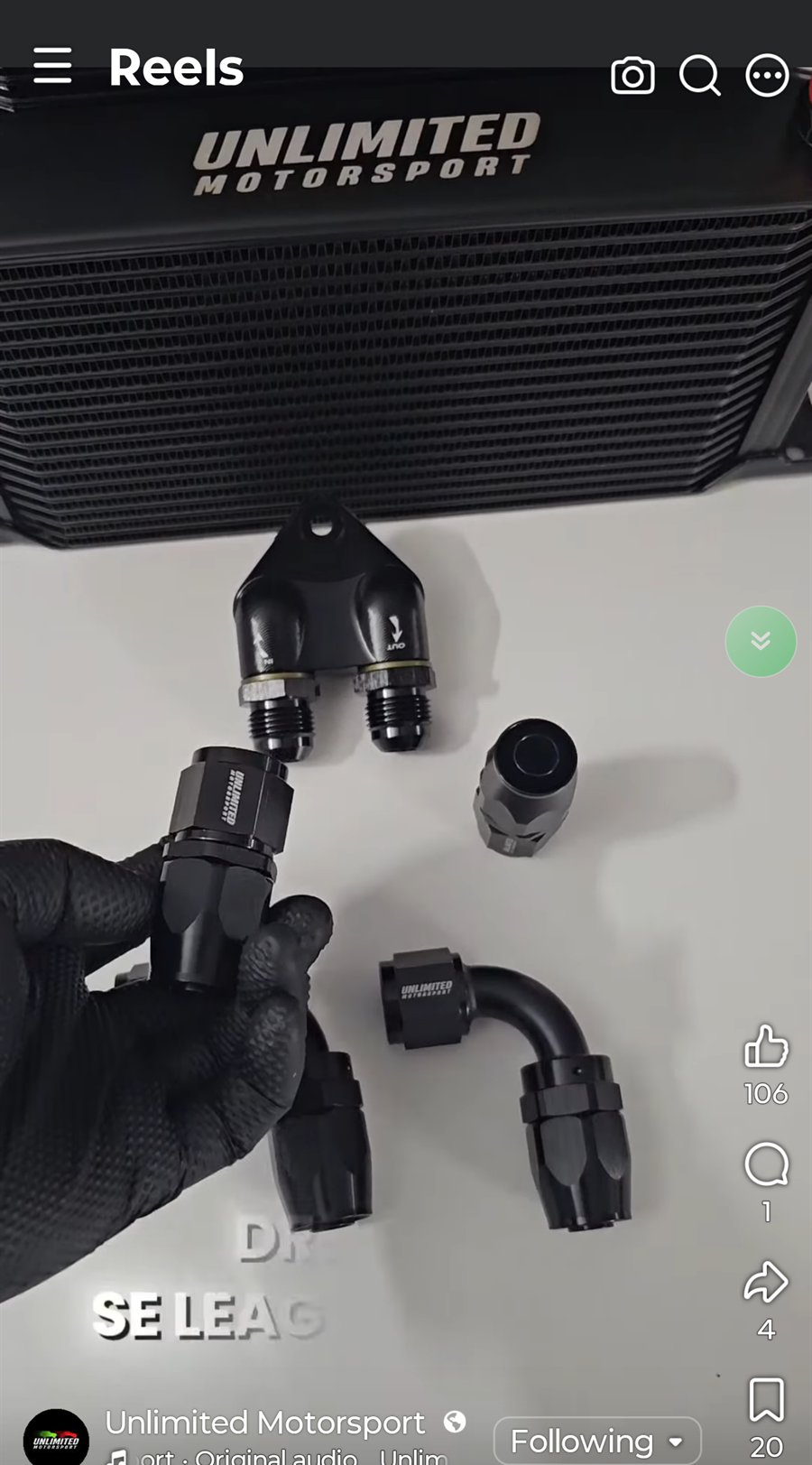
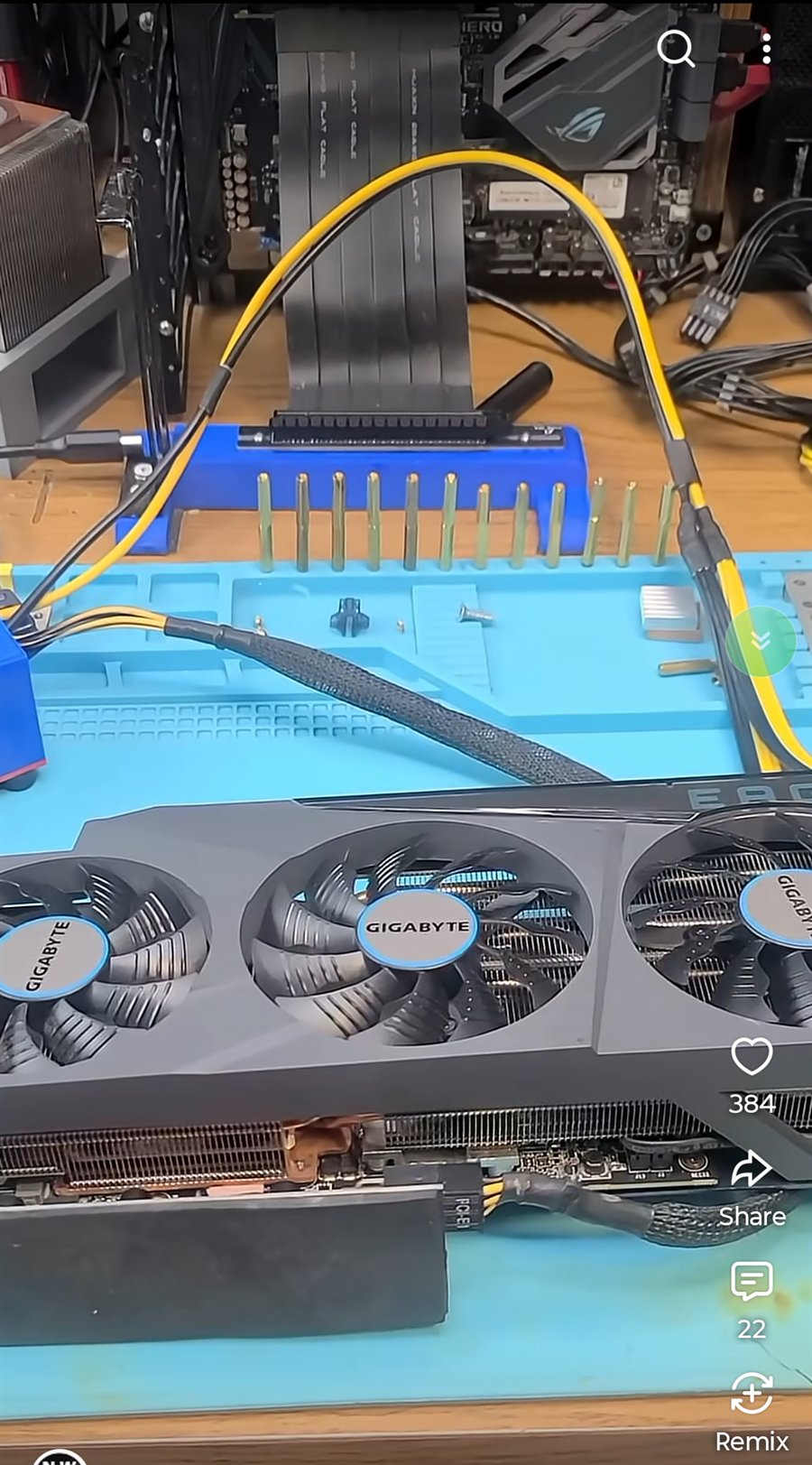
Real-device captures show the app, its controls and the floating bubble across all four supported feeds. The app overview combines two unaltered crops from the same screen so the reviewer-only control is not featured.
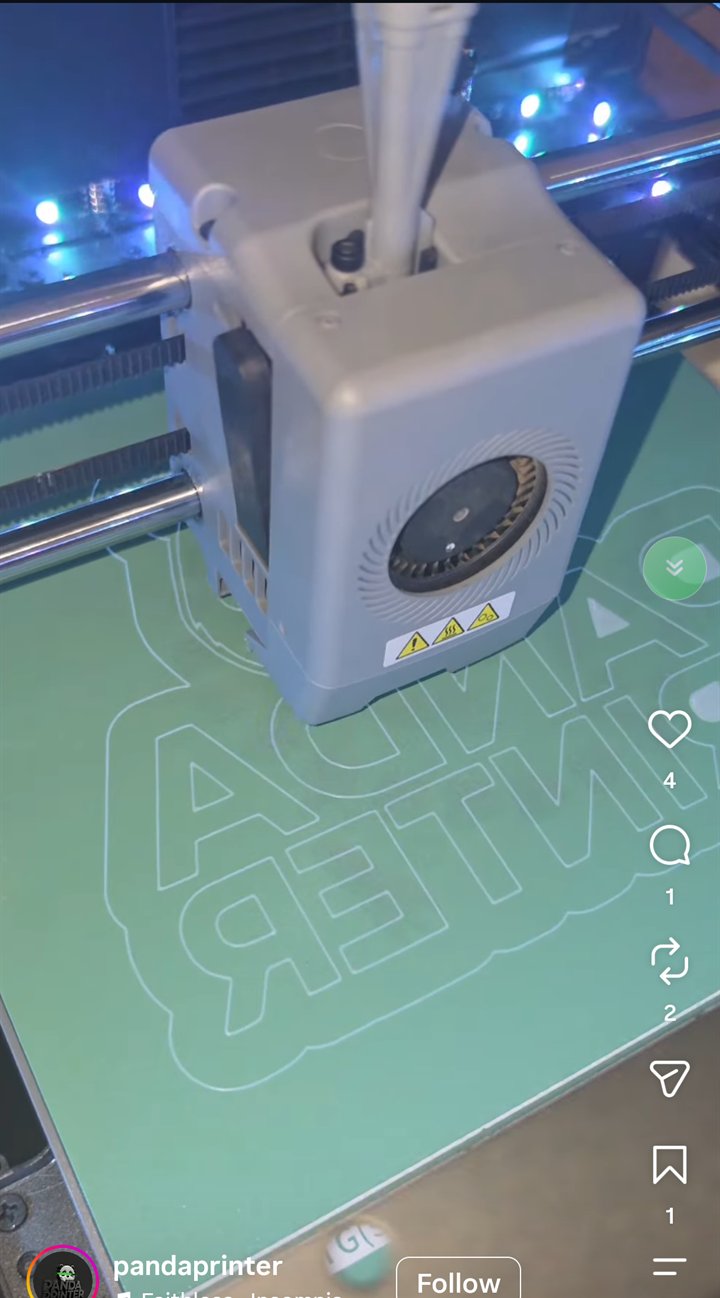 Green: active
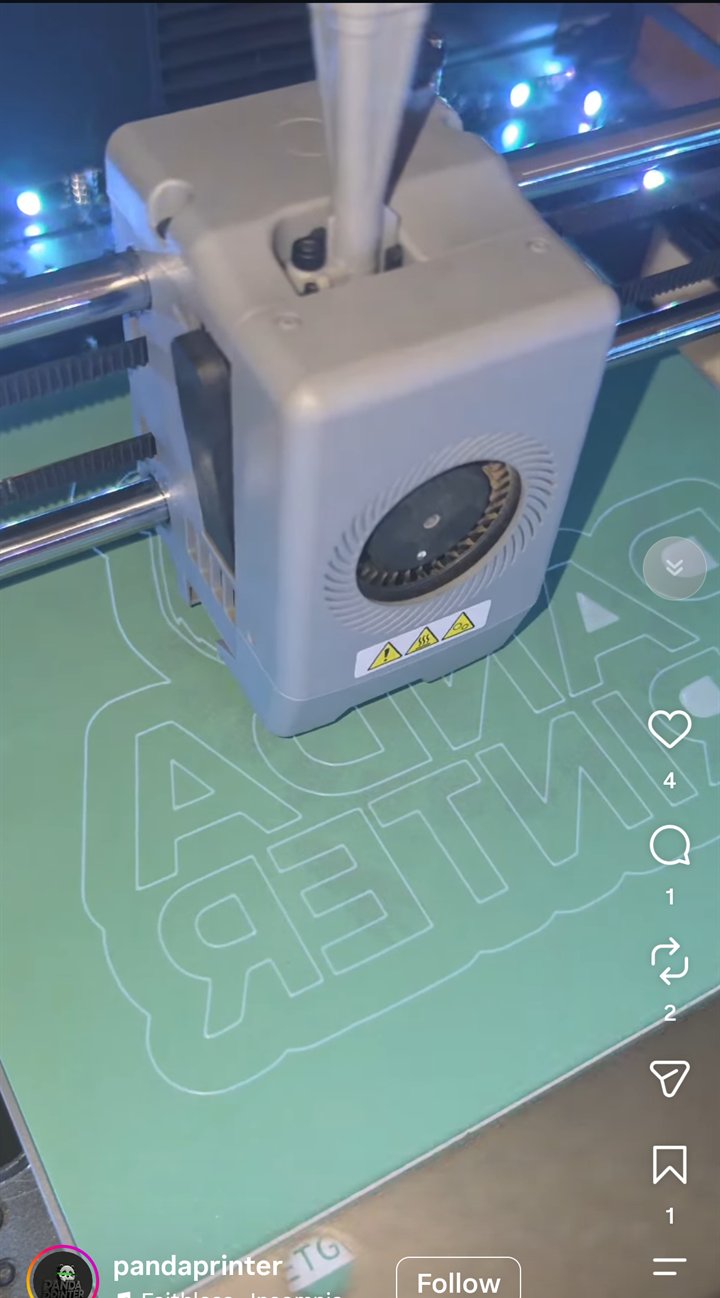 Gray: disabled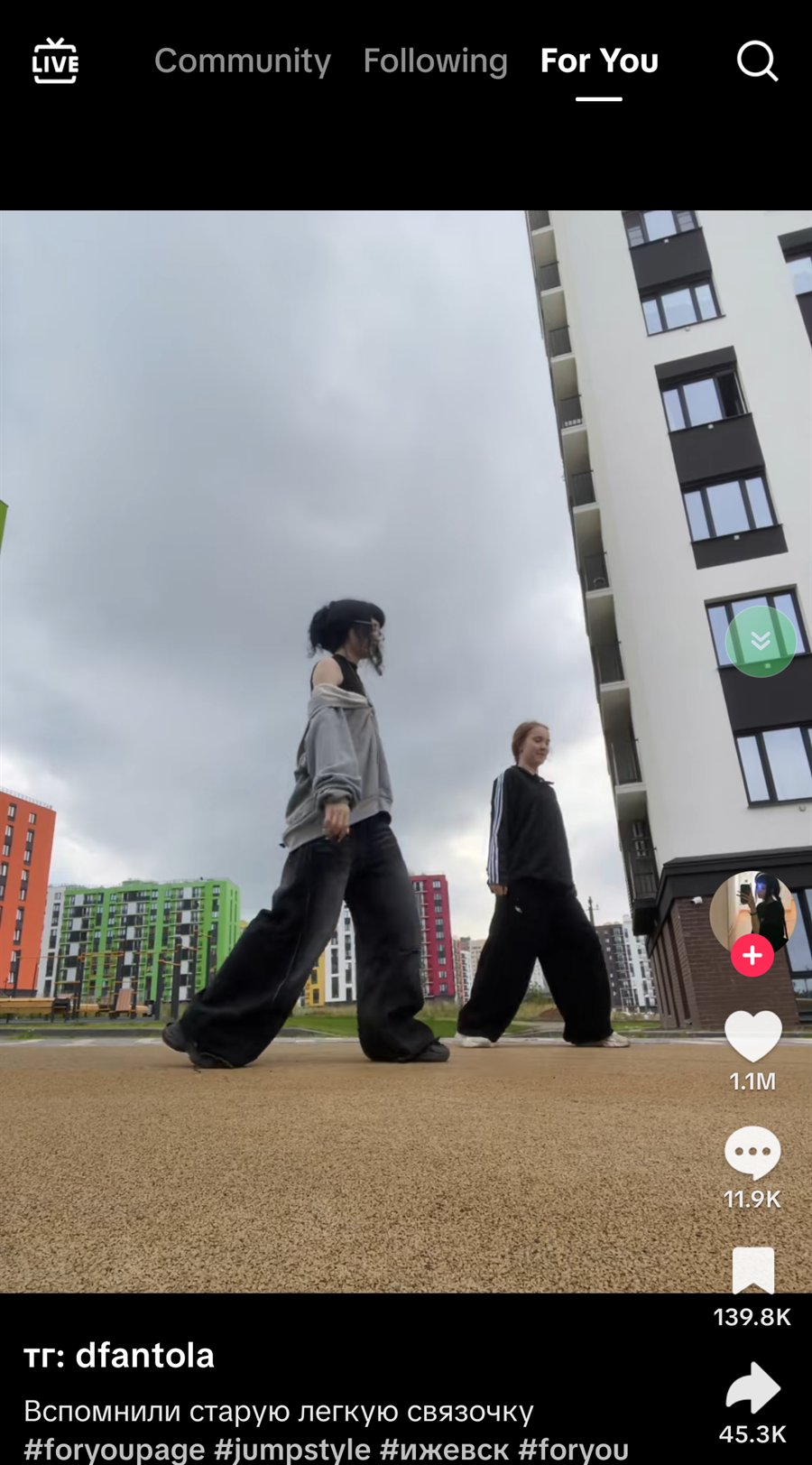
Android Accessibility access lets AutoScroller inspect visible interface controls and perform the swipe gesture that advances a supported feed. The app presents a separate prominent disclosure before asking you to enable the service.
No. Visible interface controls and progress are processed on the device. Spiders Tech does not upload your feed content.
TikTok, Instagram Reels, Facebook Reels and YouTube Shorts are supported. Compatibility can change when third-party apps update their interfaces.
AutoScroller uses the conservative fallback timer you configure for that platform.
No. The floating control is hidden while the device is locked.
It starts automatically on first use and unlocks every Premium feature for seven days. There is no checkout, subscription or payment method, it does not charge you when it ends, and paid monthly or annual plans appear only afterward.
Manage or cancel subscriptions through Google Play. A previous eligible purchase can be restored through the app using the same Google account.
AutoScroller is now available on Google Play. Install it on a compatible Android device, start the seven-day Premium evaluation, and keep supported feeds moving hands-free.